Set up Business Class Email on Apple Mail
One large advantage to using our Business Class Email, is your email account is a Microsoft Exchange ActiveSync email account, which means your email, calendar, and contacts will sync to all your devices.
Set up on Apple Mail
- Tap on Settings
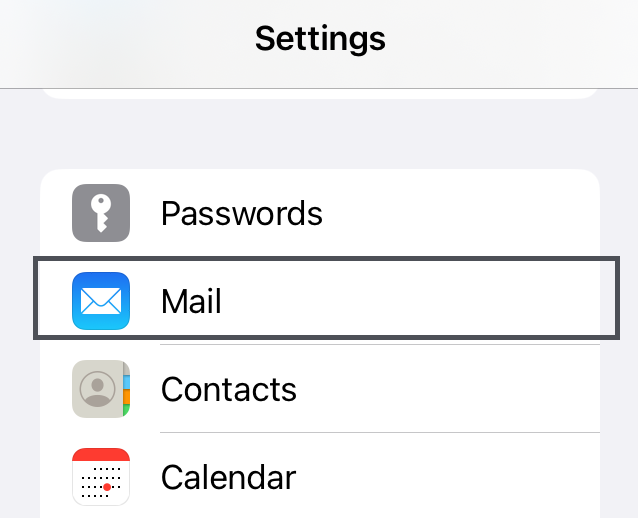
- Tap on Mail
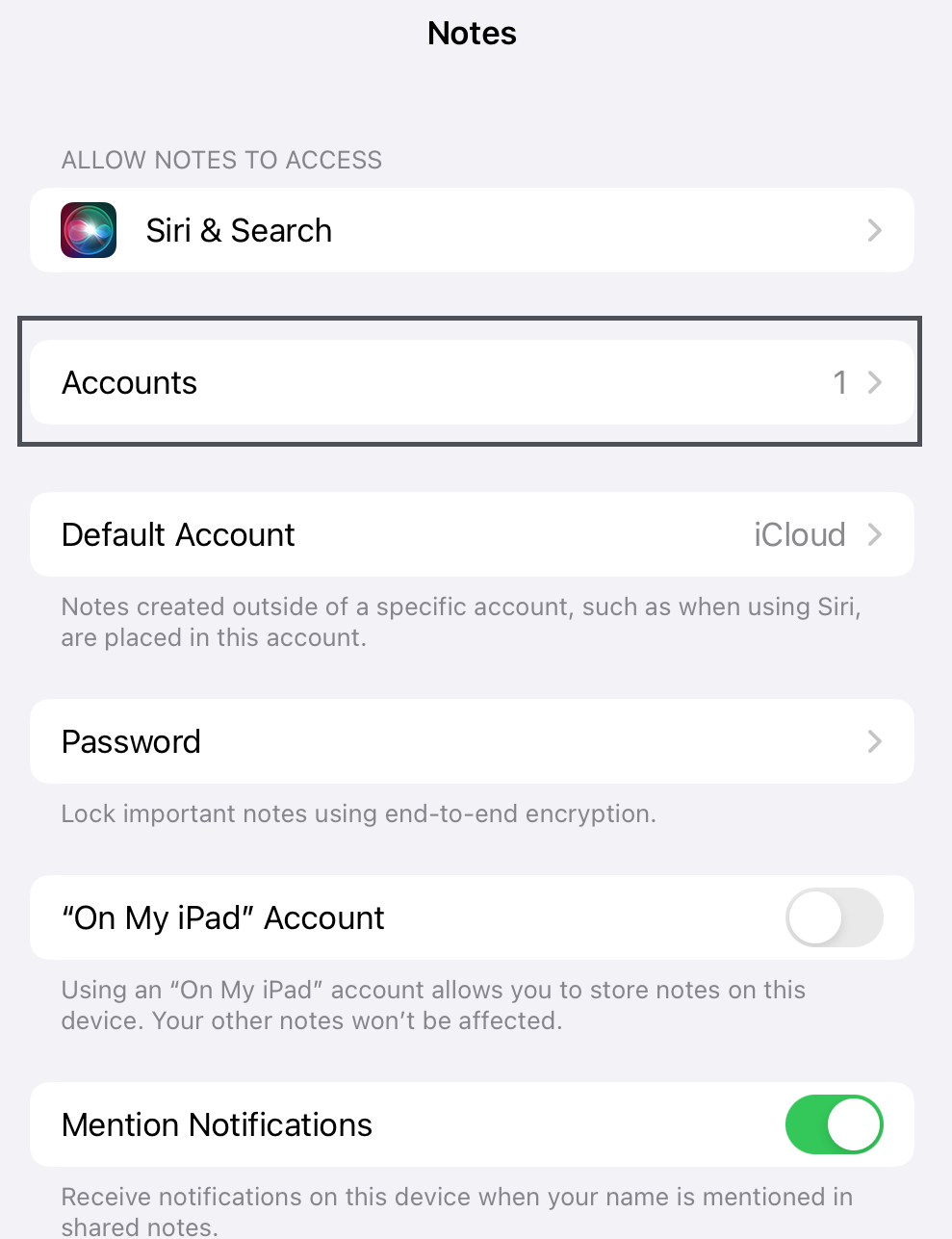
- Tap on Accounts
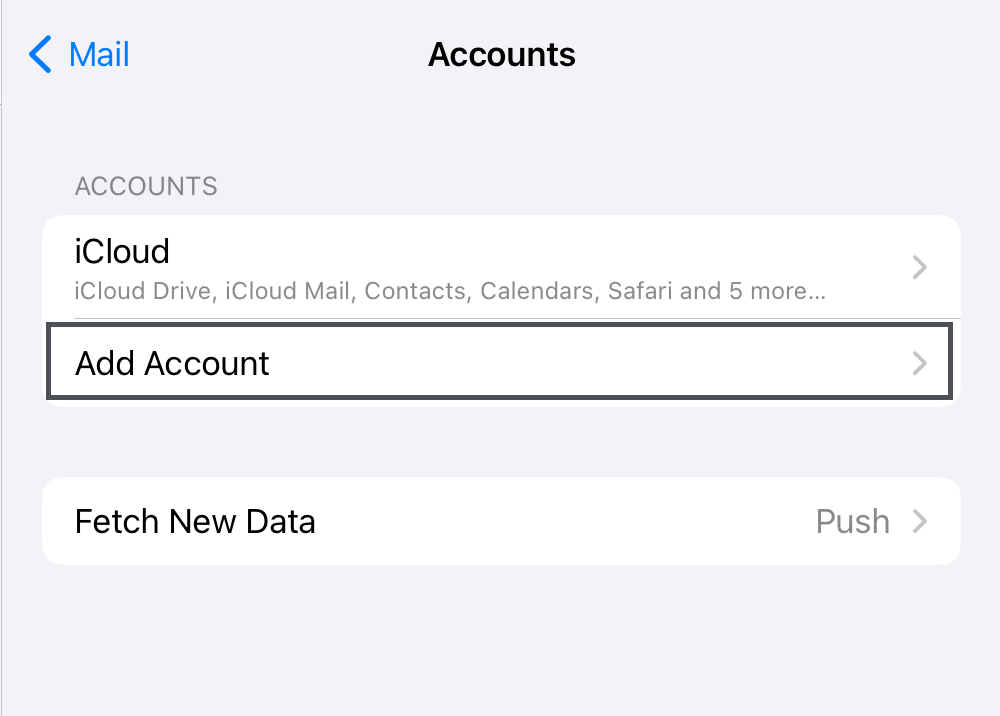
- Tap on Add Account
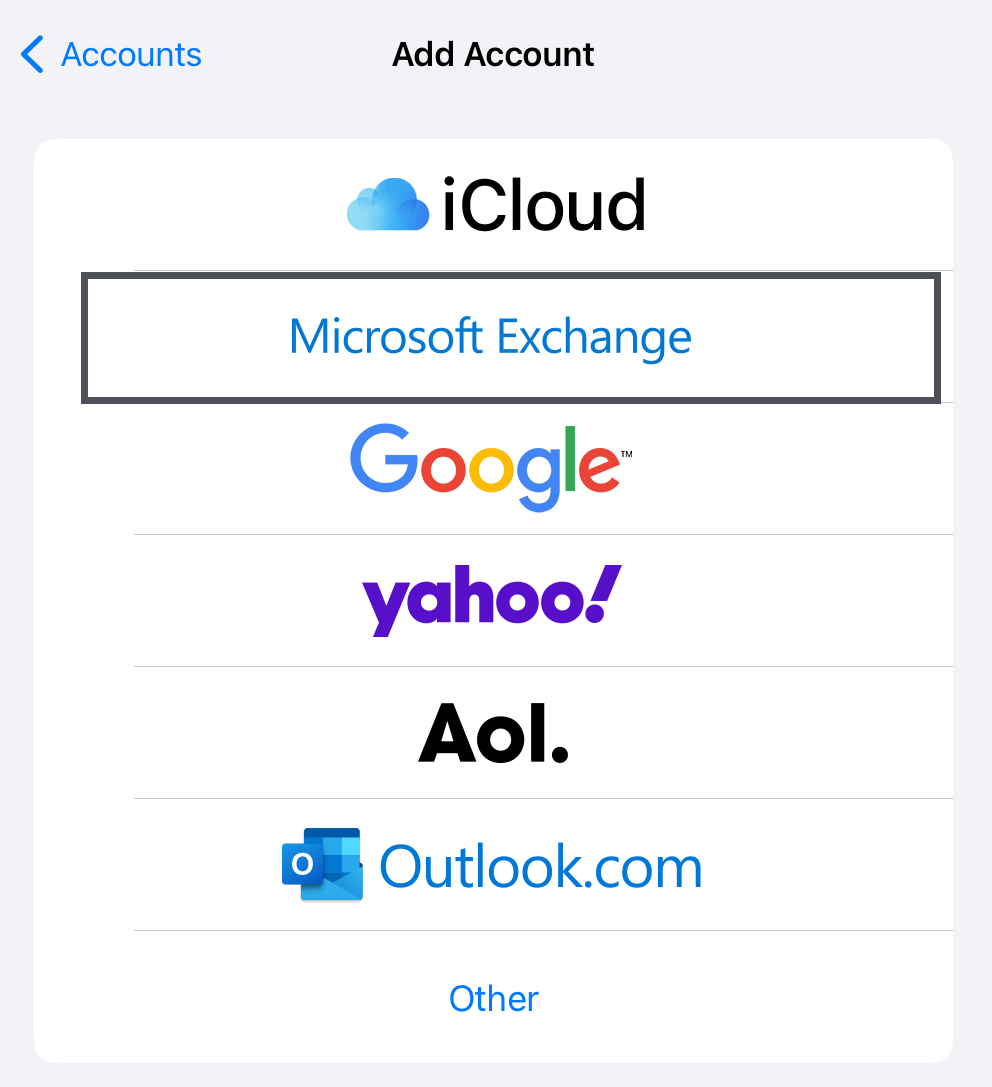
- Tap on Microsoft Exchange
- Type in your Email Address, then tap Next
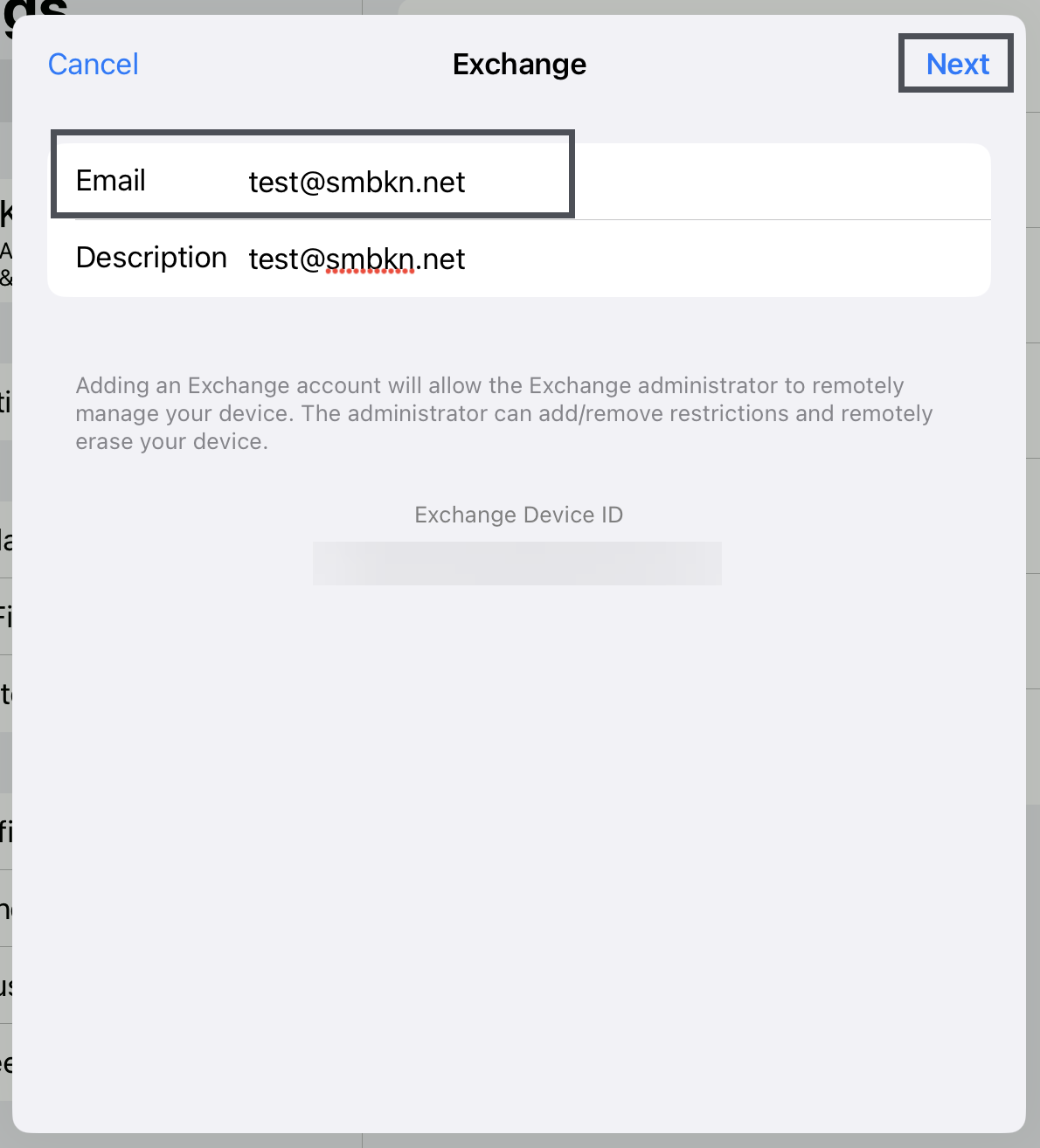
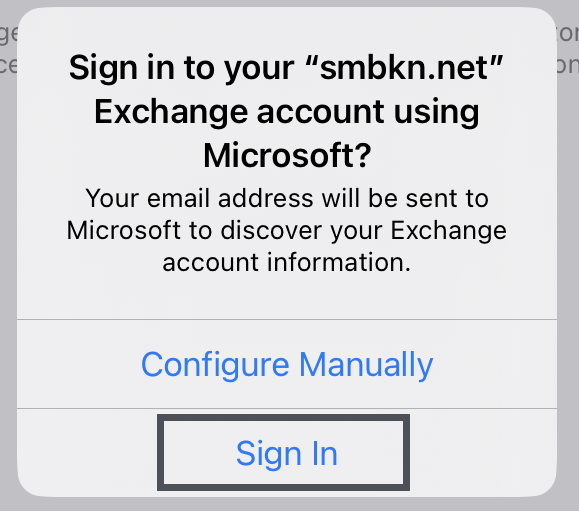
- Tap on Sign In
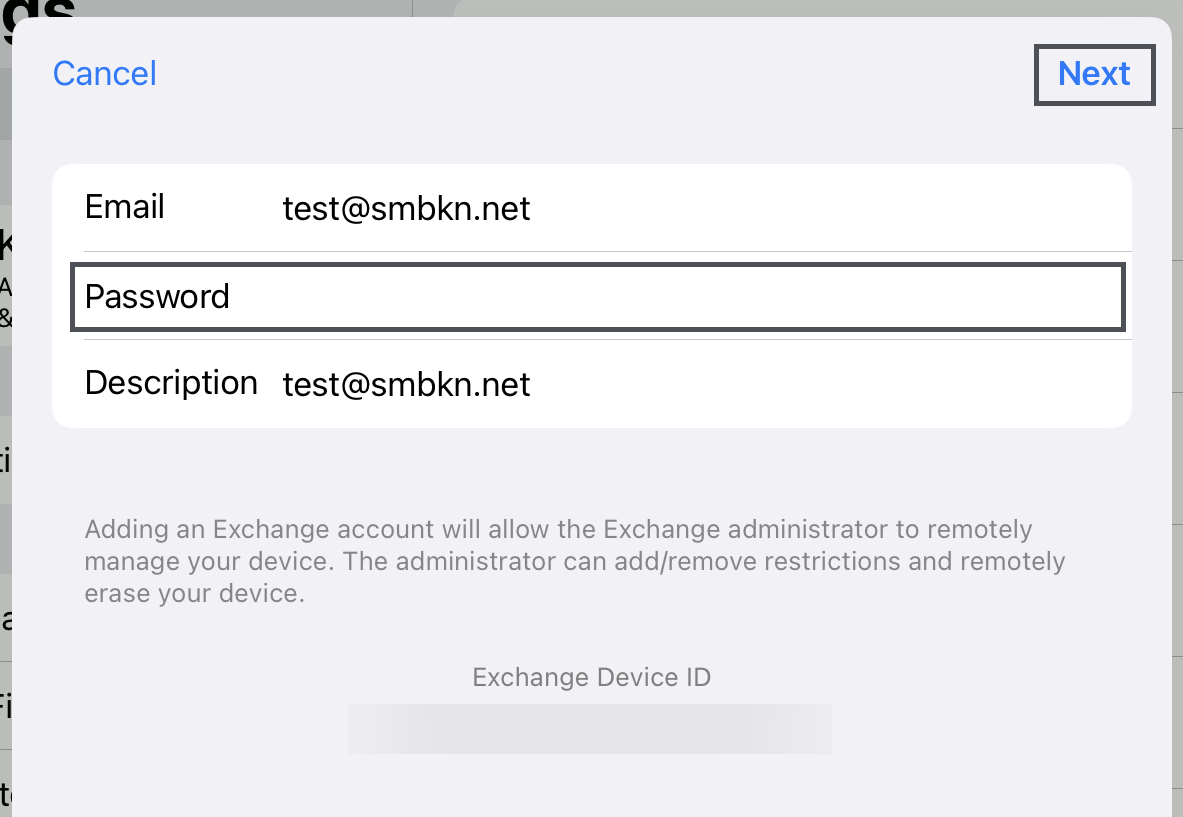
- Type in your password in the Password field, then tap Next
- After your credentials are verified and you are signed in, select which items you want to sync, by default Apple selects everything to sync. Then tap Save
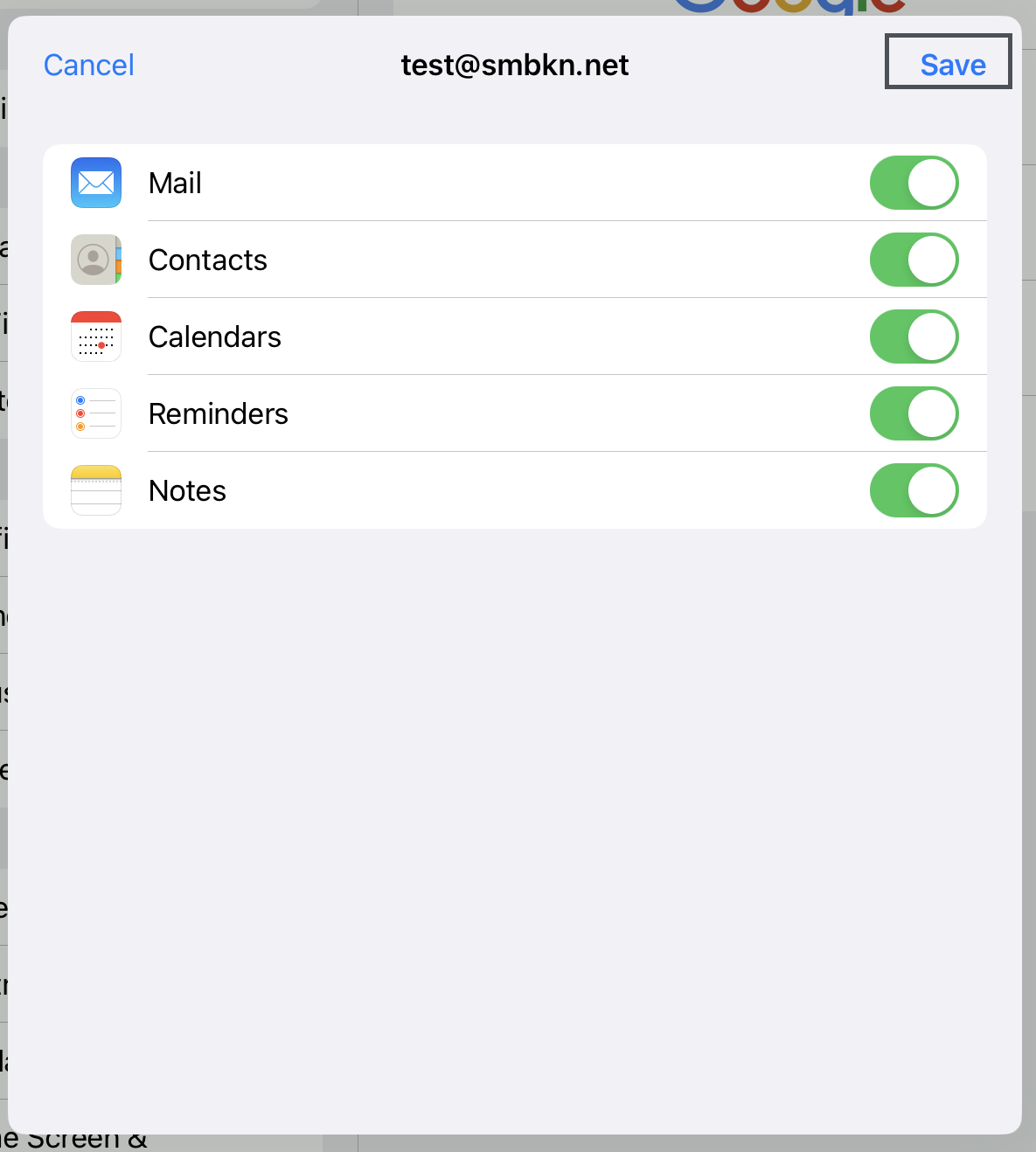
- You have successfully added your email to your iOS device.